| Mouse actions | Keyboard actions | |
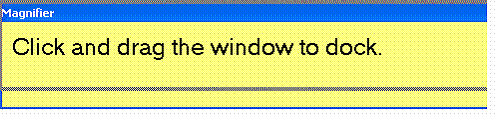
| 1. | With Magnifier turned on: • Move the pointer over the Magnifier window. • Hold down the mouse button and drag the Magnifier window to reposition it. |
With Magnifier turned on, and the Magnifier Settings dialog box selected: • To change the position of the window: • Press ALT+F6. • Press ALT+SPACEBAR. • Press M. • Move the Magnifier window to the position you want by pressing the arrow keys. • Press ENTER. |
| Mouse actions | Keyboard actions | |
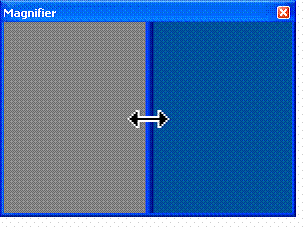
| 1. | With Magnifier turned on: • Move the pointer over an edge of the Magnifier window • When the mouse pointer becomes a two-headed arrow, hold down the mouse button and drag the Magnifier window to resize it. |
With Magnifier turned on, and the Magnifier Settings dialog box selected: • To change the size of the window: • Press ALT+F6. • Press ALT+SPACEBAR. • Press S. • Press an arrow key until the mouse pointer becomes a two-headed arrow on the side or corner of the Magnifier window. • Continue pressing the arrow keys until the Magnifier window is the size you want. • Press ENTER. |
 |
 |
 |