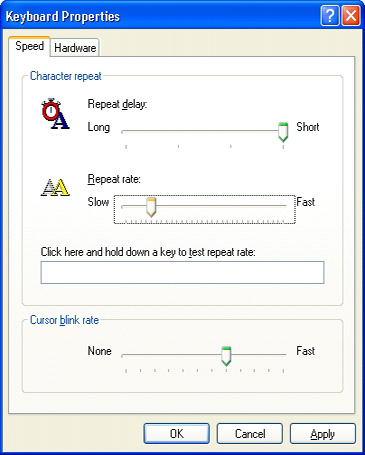
| You can adjust both the repeat delay (amount of time that elapses before a character repeats when you hold down a key), and the repeat rate (the speed at which a character repeats when you hold down a key). Adjusting these settings can benefit people with mobility impairments. This procedure tells you how to set the character repeat rate through Keyboard Properties in Control Panel. | To close Control Panel:
• Select the Close button. |
To close Control Panel: • Press ALT+F, C. |
 |
 |
 |