| Working with Slide |
| |
| Moving a Slide |
| |
|
If you want to move your PowerPoint slides for change the sequence of the slides. Then you can do it by some simple steps.
|
| |
| For moving a slide follows these steps: |
| |
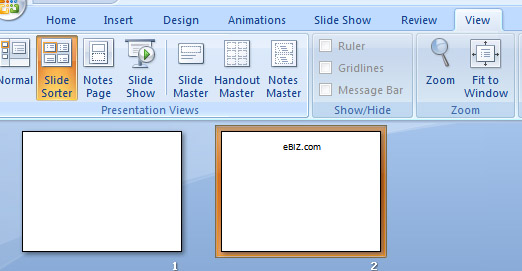
| 1. Click on View tab on the Ribbon. |
| |
| 2. Go to Presentation views. |
| |
| 3. Click on Slide Sorter. |
| |
| This view shows thumbnails of all the slides in your presentation. |
| |
 |
| |
| 4. Click on the slide you wish to move. |
| |
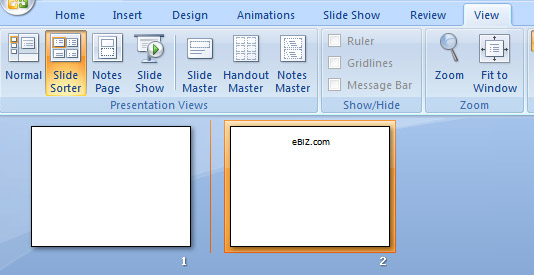
| 5. Drag this slide to the new location. |
| |
| 6. When you drag the slide, a vertical line appears. |
| |
 |
| |
| 7. Release the mouse. When the vertical line is in the correct location. |
| |
| 8. The slide moves to this new location.; |
| |
| For Animated presentation Click here |
| |
| |
|
| |


