For example: you may type some text and then use Undo to "untype" the text. You can use the Redo command to restore the typing.
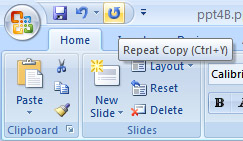 The Redo command provides two functions:
1. It does exactly the opposite of whatever the Undo command does. So, if you type text, Undo untypes the text, and Redo recovers the text.
2. If you use Undo to recover deleted text, Redo deletes the text again.
 |
 |
 |