| Working with other Linux Applications |
| |
| Using Text editor, Paint brush & Calculator |
| |
| So, as of now we have explored a lot of thing, and you might be surprised to know, how poworeful Linux is. Believe me this just the little part of the iceburg. There are a lot of useful and powerful applications that comes bundled with different Distributions of Linux, and covering all of them in one tutorial is something that is for sure not possible, because I personaly believe that, it make the things more complicated, against our wish to make the Linux user friendly. |
| |
| As I told you earlier Linux comes with bunch of bundled software from general purpose to special purpose from network management to general utility softwares. |
| |
| Using Calculator on Linux |
| |
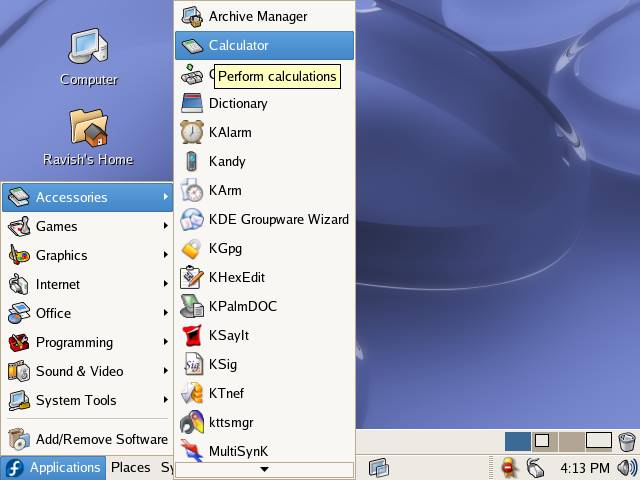
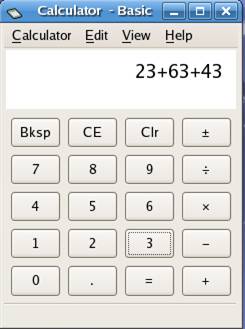
| Select on Applications--> Accessories--> Calculator |
| |
|
| |
 |
| |
| Using Paint Application on Linux (KolourPaint) |
| |
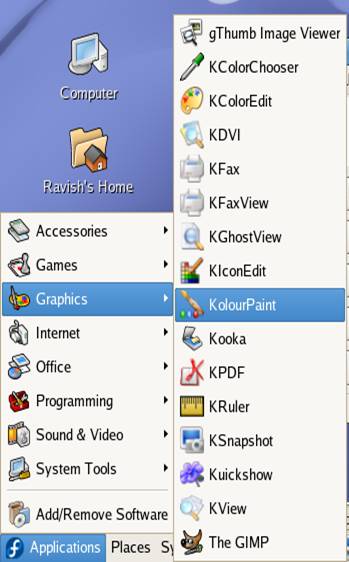
| Select Applications--> Graphics--> KolourPaint to start KolourPaint application( paint brush of Linux) |
|
| |
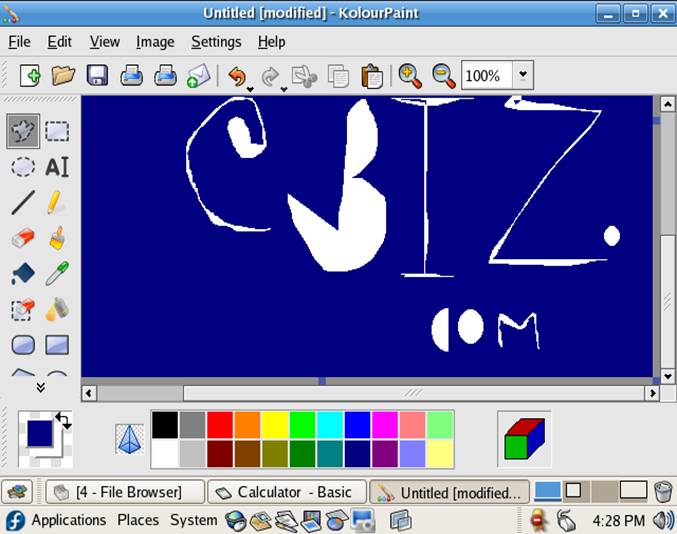
| KolourPaint can be used in the same way as we use MS Paint |
| |
| |
|
| |
| KolourPaint has features similar to Windows Paintbrush. You can see the Tool Pallet in the left side of KolourPaint window, from here you chose the shape you want to draw. To save your drawing select Save option from File menu. |
| |
 |
| |
| |
| Using Text Editor to create Text document |
| |
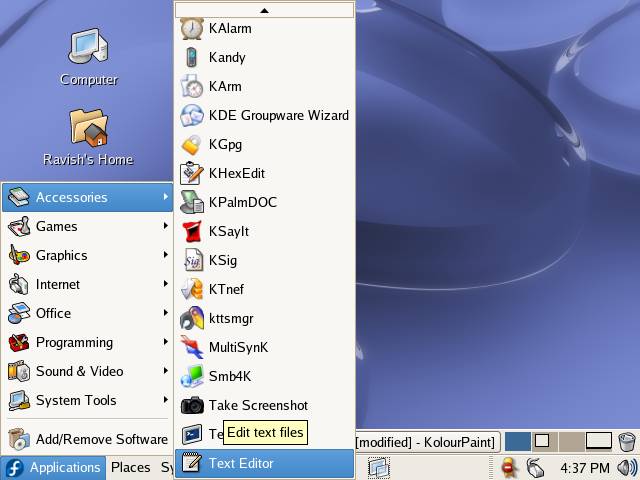
| Select on Applications--> Accessories--> Text Editor |
| |
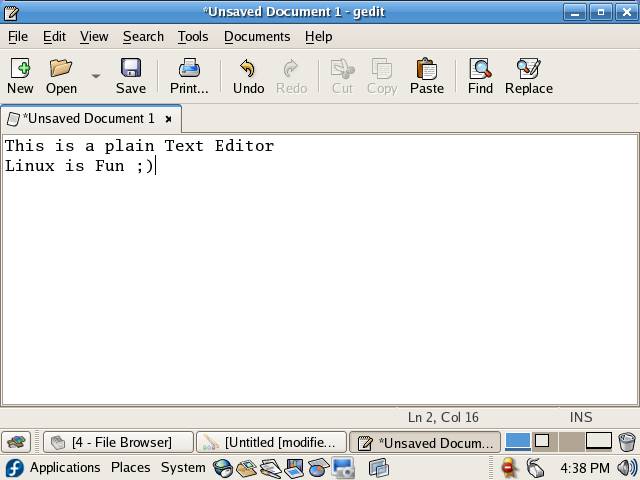
| Text Editor/Gedit is Linux equivalent of Windows Notepad. |
| |
|
| |
|
| |
| You can create plain text document. |
| |
|
| |
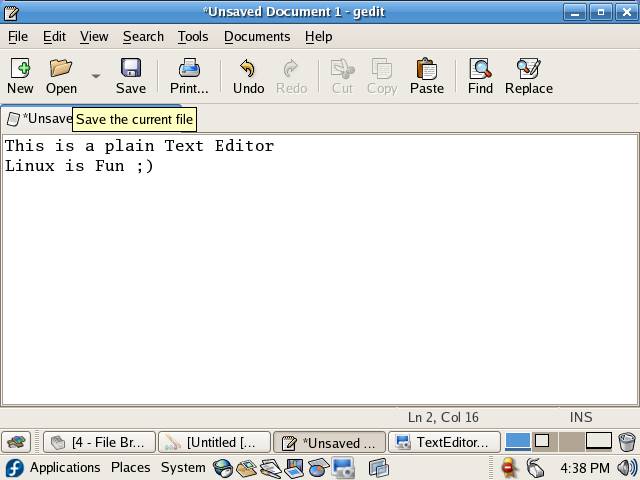
| Click on Save button on the tool bar or press Shift+Ctrl+S to save the file. |
| |
|
| |
| |
| |
| |
| |


