| Internet Tools |
| |
| Download manager |
| |
| Apart from Web Browsers and IM Clients Fedora Linux also has a pre-installed download manager KGet. This package is built-in facility in Konqueror browser and for other browsers we can drag and drop the URL we want to download. |
| |
| Built-in KGet in Konqueror- |
| |
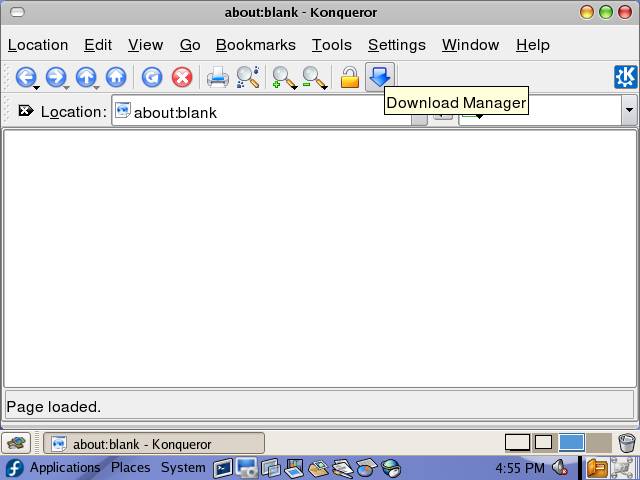
| KGet comes as a built in utility with Konqueror browser see the image below, the blue arrow in the toolbar is the download manager for Konqueror. |
| |
|
| |
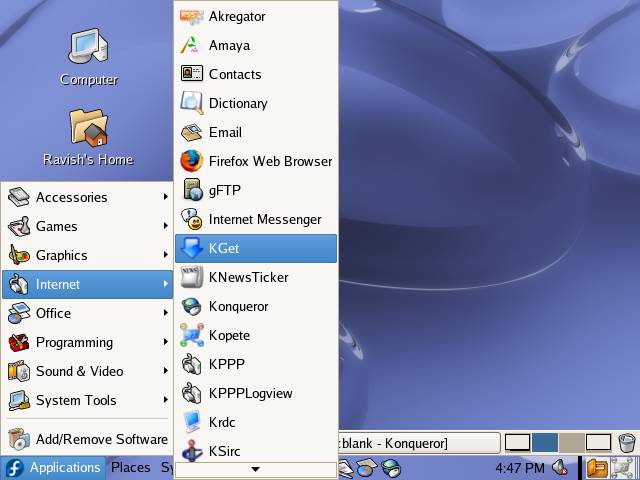
| Apart from Konqueror, KGet can also be used with other web browsers as a download manager, all you have to do is just start the KGet from Applications--> Internet --> KGet and drag-drop the download links to KGet drop target button. |
| |
|
| |
|
| |
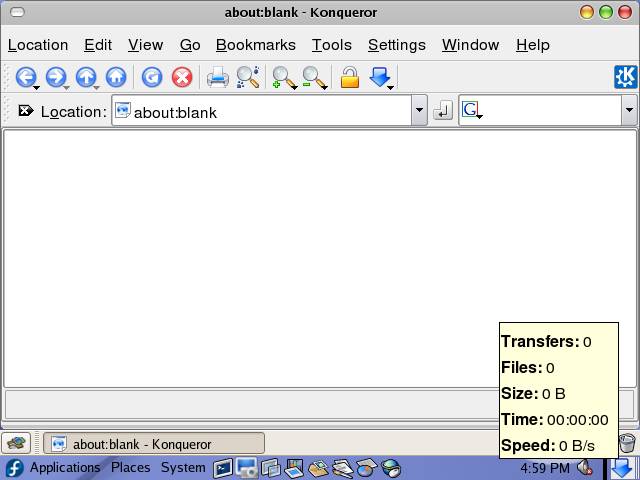
| Notice the KGet icon in the System Tray. |
| |
| Using KGet with Firefox |
| |
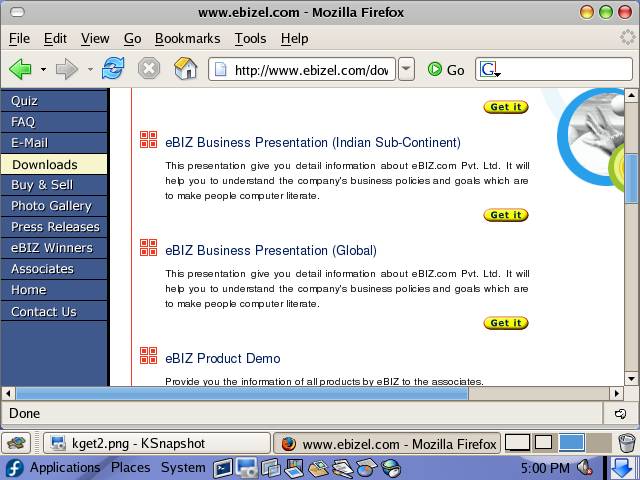
| Open the web page, from where you want to download something in Firefox. i.e. eBIZ.com's download page: http://www.ebizel.com/download.php |
| |
|
| |
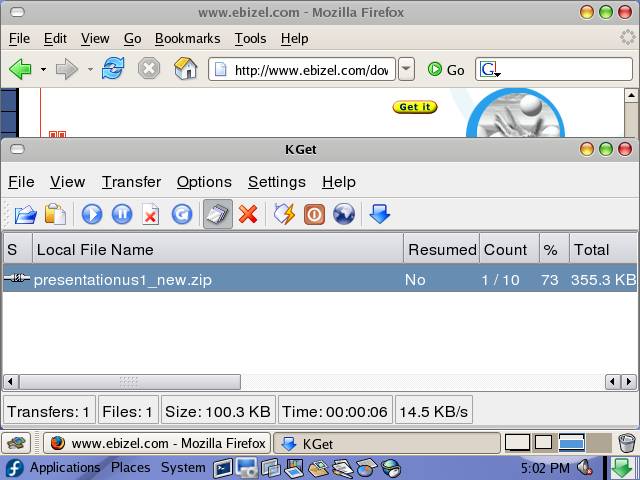
| Drag the desired link and drop it in the KGet drop target button located in the System Tray. KGet will prompt you to save the file, select the location where you want to download the file. |
| |
|
| |
| This dialog box shows the progress of the download. You can close this dialog selecting File-->Close or pressing Ctr+Q; this will not abort the download. |
| |
| |
| |
| |
| |


