
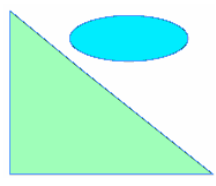
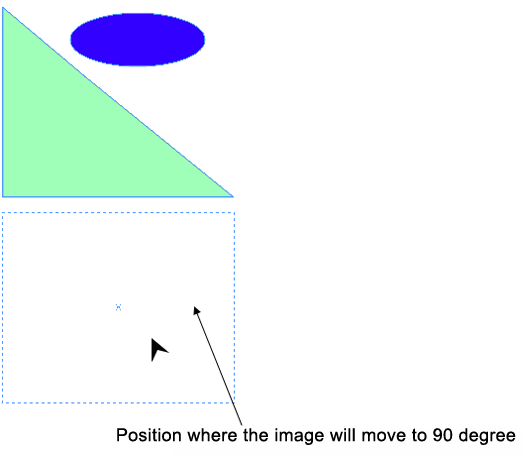
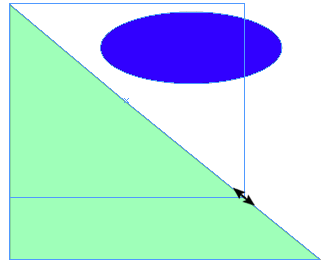
• Drag with selection tool and select all the objects.
• Group them by pressing Ctrl+G
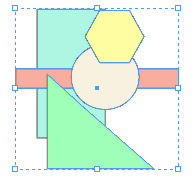
• You will notice the single object is selected.
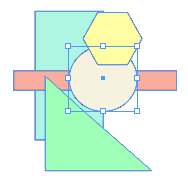

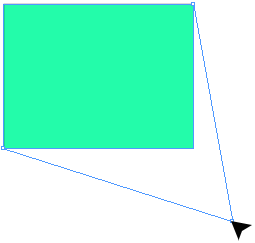
• Click on any node with Direct Selection Tool.
• Drag on any direction.
 |
 |
 |
| Tools of Indesign | |||
| Selection Tools | |||
|
|||
| Selection Tool: |
|||
| Selection Tool is for selecting object or objects. Selection tool can also modify the size the object or objects. With the help of selection tool you can make the duplicate of object. Selection tool can also make transformations of object ie position, rotation, scaling etc. Here is an example of Selection Tool: | |||
| Create any two objects. | |||
|
|||
| Click on Selection tool and drag from the Top left corner of objects. Both the objects will be selected. | |||
|
|||
| For making duplicate of object just press Alt key and drag the object with Selection Tool. | |||
| Transformation of object with Selection Tool. | |||
| To change the size of object: | |||
| Select object and drag it from any corner. | |||
|
|||
| To change the size of object proportionally just press Shift key and drag from any corner of object. | |||
| To rotate object: | |||
| Select object with Selection Tool. | |||
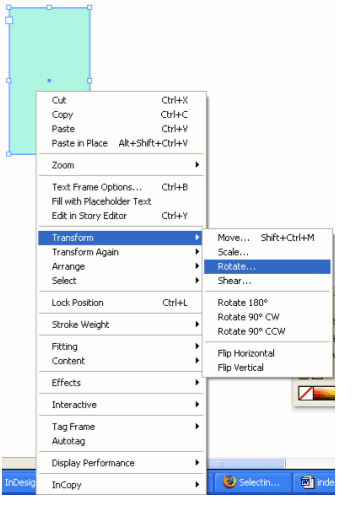
| Right click or double click on object. You will see a list of options. | |||
| From the options select Transform > Rotate. | |||
|
|||
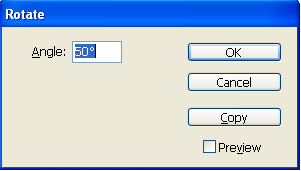
| A window will appear on the screen . | |||
|
|||
| Type the desired value in Angle. Click OK. | |||
| Selection of a single object from a group of objects. | |||
| • Draw 3-4 objects • Drag with selection tool and select all the objects. • Group them by pressing Ctrl+G |
|||
|
|||
| • Double-Click on any desired object with Selection Tool. • You will notice the single object is selected. |
|||
|
|||
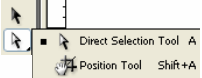
| Direct Selection Tool: |
|||
| This tool is for selection and editing any node of object. | |||
| Here is an example of Direct Selection Tool. | |||
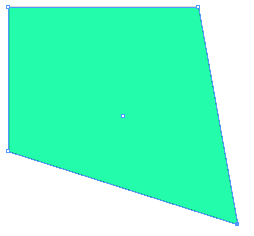
| • Draw any object ie rectangle. • Click on any node with Direct Selection Tool. • Drag on any direction. |
|||
|
|||
| • The Shape of image will change as shown under. | |||
|
|||
| Note: Double-clicking with Selection tool on object will automatically bring direct selection tool. | |||
|
|||