| Getting Started with AutoCAD |
| |
| Other Objects |
| |
| By now you see how you can view and edit properties of objects you have drawn. Those the methods will work on any object. |
| |
| View the properties like you did in the previous examples. Note again, the various fields. Now try "Double-Clicking" on the text. |
| |
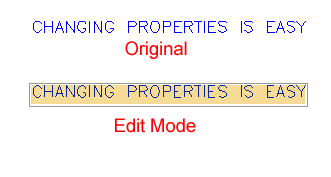 |
| Now you can change the text and press <ENTER> (then <ENTER> to end the command). This is a much easier method to change the text's content, but none of the other properties. You could also have changed the text in the Properties palette, but this method is much quicker. |
| |
|
| |


