|
Different Settings for Page |
| |
| What is Page Setup? |
| |
| You can change your page orientation quickly in Word. Some documents you may want your paper to be in a landscape (horizontal) mode while others you would like to use portrait. Portrait is the default for new documents. |
| |
| To change your page setup follows these steps: |
| |
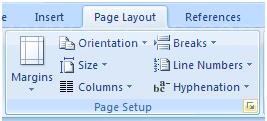
| 1. Click the Page Layout tab. |
| |
| 2. Click the Page Setup Dialog group. |
| |
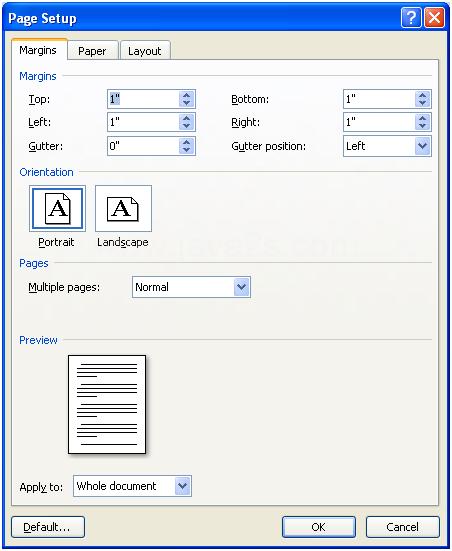
| 3. Click the Margins, Paper, or Layout tab. |
| |
 |
| |
| 4. Change the margin, paper, and layout options. |
| |
 |
| |
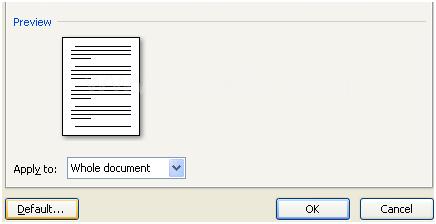
| 5. Click Default. Then click Yes. |
| |
 |
| |
| |
|
| |


