| Installing MySQL |
| |
| Installing MySQL |
| |
| As you already know that MySQL is available for a variety of Platforms such as Linux, Unix, Windows etc. MySQL installation on different platform is different from the other. In this chapter, we will guide you, MySQL 5.0 installation on the Windows platform. |
| |
| Once you have successfully downloaded the Windows version, installing it is a breeze... trust me!, the reason is, neither it is going to take too much time as Oracle 9 installation takes nor you have configure to much options like one in MS SQL server installation. |
| |
| To install MySQL on Windows follow these steps: |
| |
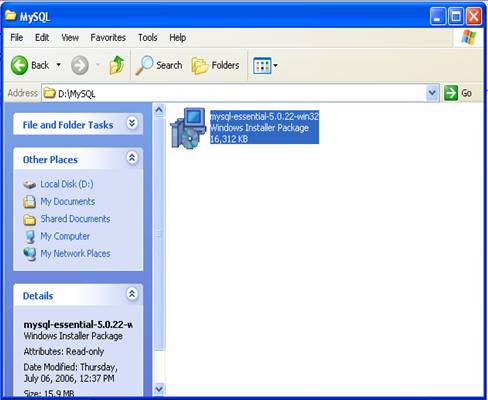
| 1. Open the folder where you have downloaded MySQL and double click on Setup to start the installation process or if you have downloaded the Zip file in place of Binary Setup first extract the contents of ZIP file and then Double click on Setup . |
| |
 |
| |
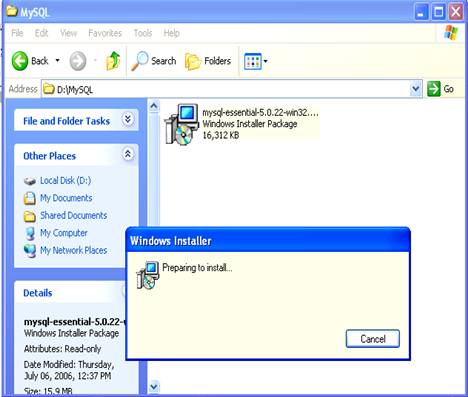
| 2. |
| |
 |
| |
| 3. |
| |
 |
| |
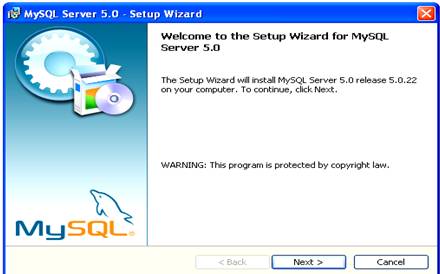
| Click on Next to begin the installation process. |
| |
 |
| |
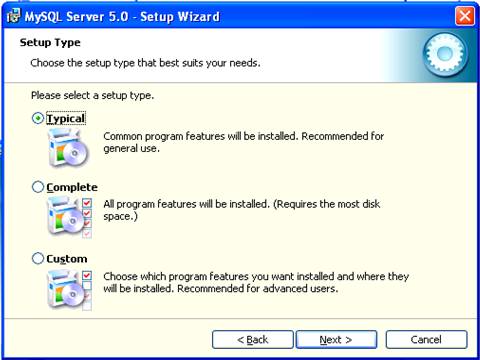
| Choose the desired installation type from Setup types and click on Next to proceed. |
| |
| You can choose Setup type that best suits you or your organization requirement. |
| |
 |
| |
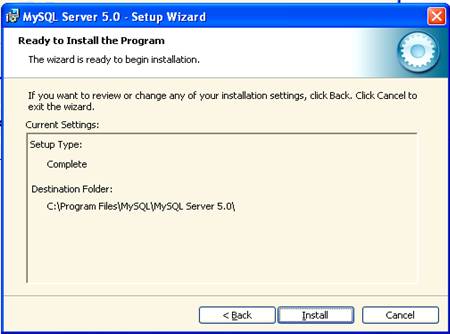
| Now Click on Install to install or Back to reconfigure the options. |
| |
 |
| |
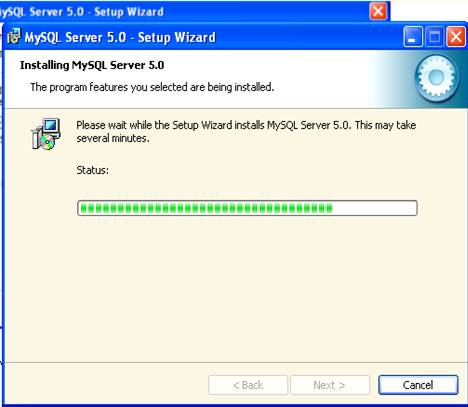
| MySQL is being installed wait a while. |
| |
 |
| |
| For Animated Presentation Click Here |
| |
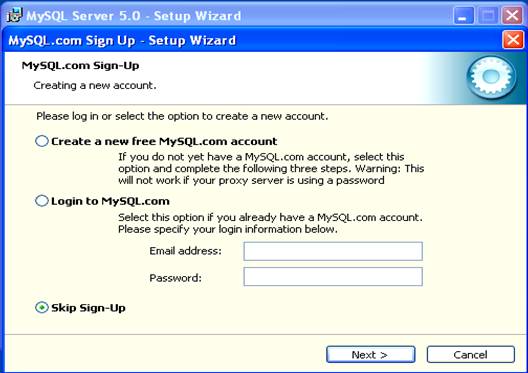
| Form MySQL.com Sign Up wizard choose Skip Sign-Up and click on Next to Finish the installation. |
| |
| |
|
|
| |
| |


