2. info
3. man
To use Help in Gnome environment select System-->Help.
 |
 |
| Appendix | ||
| Using Help | ||
| Help is perhaps the most crucial part, that make an application or environment user friendly, more productive and more usable. Help let the user of the system to evolve and get involve with the system he/she is currently working. Quality help is something that is always appreciated and luckily with Linux you will always find the appropriate help. Doesn't matter if you are working with CLI or GUI, help is always there, just a call away. | ||
| Using Help from Shell | ||
| You can use three commands to get help from command line: | ||
| 1. help
2. info 3. man |
||
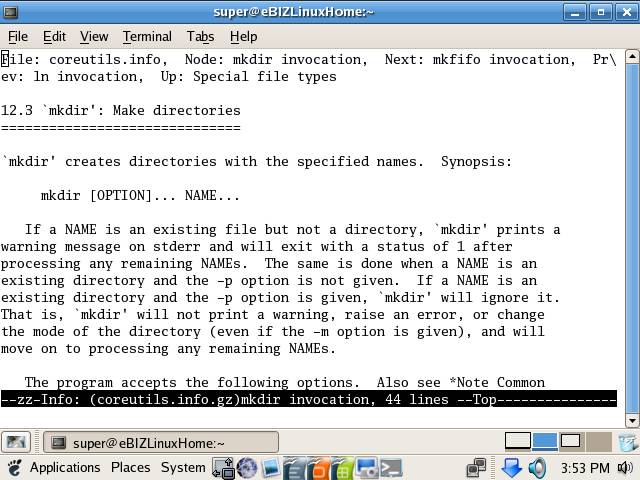
| like to get information about mkdir command we can use both info and man command. To get information with info execute the following command: | ||
| info <info_on_command> | ||
| Example: | ||
| info mkdir | ||
|
||
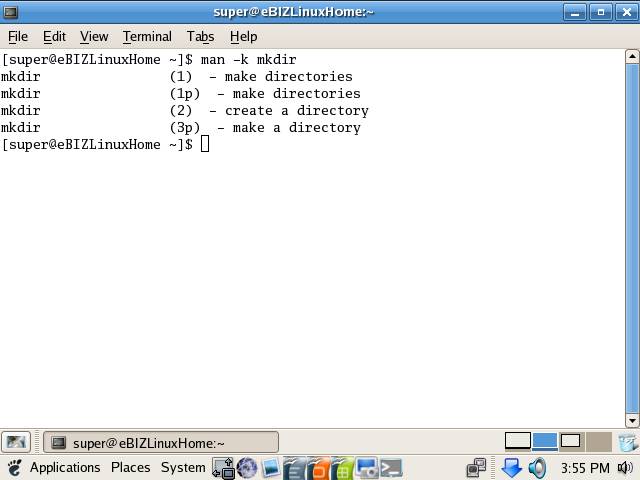
| similarly you can use the Linux manual pages to get information on any topic by using man command: | ||
| man <manual_of_command> or man -k <manual_of_command> | ||
|
||
| Using Khelp | ||
| If you are using KDE as you desktop environment, you can use the powerful KHelp for getting help on various topics. | ||
| To use KHelp use following steps: | ||
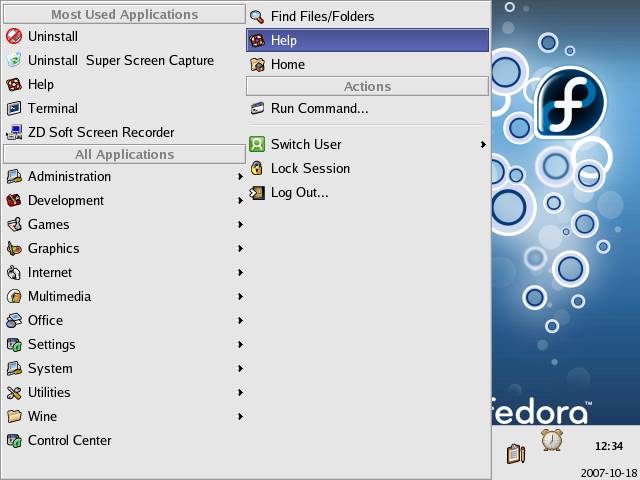
| 1. Click on K menu and select Help from the Kmenu. | ||
|
||
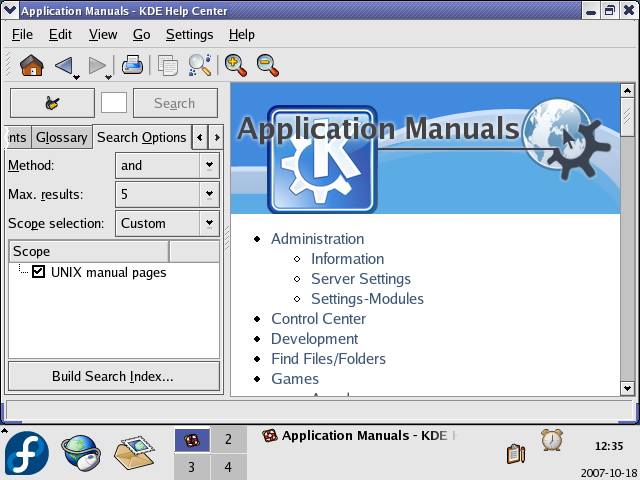
| KHelp is similar to Windows help, it is simple, yet powerful. | ||
|
||
| Use its search option, to search for a particular topic, just type the topic in the search field and click on Search button.
To use Help in Gnome environment select System-->Help. |
||
|
||