| Multimedia and Games |
| |
| Playing Linux Games |
| |
| Apart from Office and Graphics Tools Linux also have a lot of games built into it. If you have selected games package at the time of installation then hundreds of games are made available to you immediately after the installation. Just browse Games menu under the Applications menu to check out the games available on your system. |
| |
| Nibbles |
| |
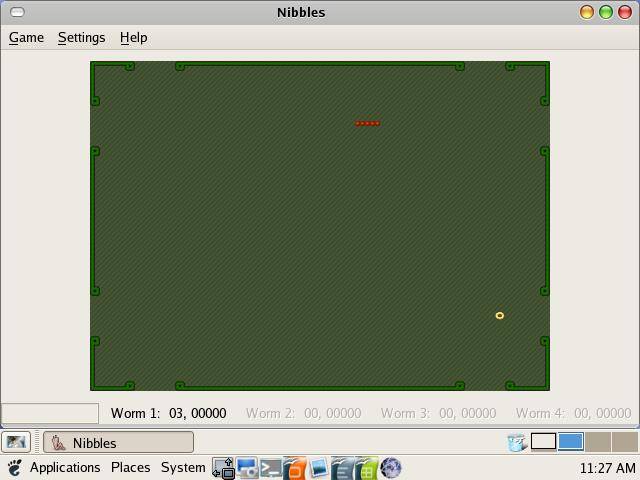
| Nibbles is a game where the user controls a snake. The snake moves around the board, eating diamonds while avoiding the walls placed around it. |
| |
|
| |
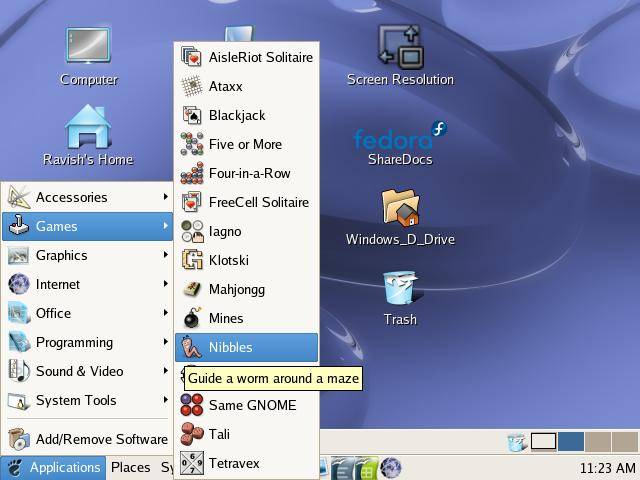
| To run Nibbles, select Games ? Nibbles from the Applications menu, or type gnibbles on the command line. |
| |
|
| |
| Nibbles is included in the gnome-games package, which is part of the GNOME desktop environment. This document describes version 2.8 of Nibbles. |
| |
| Same GNOME |
| |
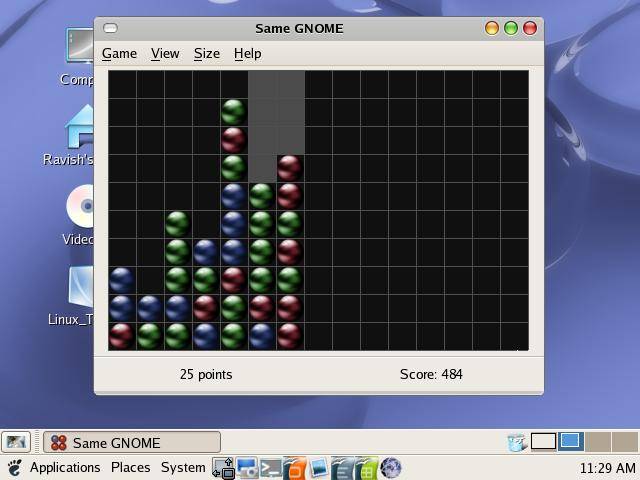
| The most important rule when aiming for a high score is to think ahead: each group you remove will form and destroy other groups.
Remove higher groups first, unless removing another group will make it larger. Vertically aligned objects can't be misaligned, but horizontal arrangements can. |
| |
| Since the score increases quadratically, big groups of objects are always better. For example, the points difference between a six object group and a seven object group is nine points. In a situation where you have a choice between merging two groups of two into four or just adding one more to the group of six then you should add the single object. Even though the groups of two you are left with score no points, the bigger group scores more overall. |
| |
|
| |
| Apart from above mentioned games, there are a lot of other games available. You can also buy commercial games for Linux platform. |
| |
| |
| |
| |
| |


