 |
 |
 |
| Multimedia and Games | |||
| Playing Audio CD | |||
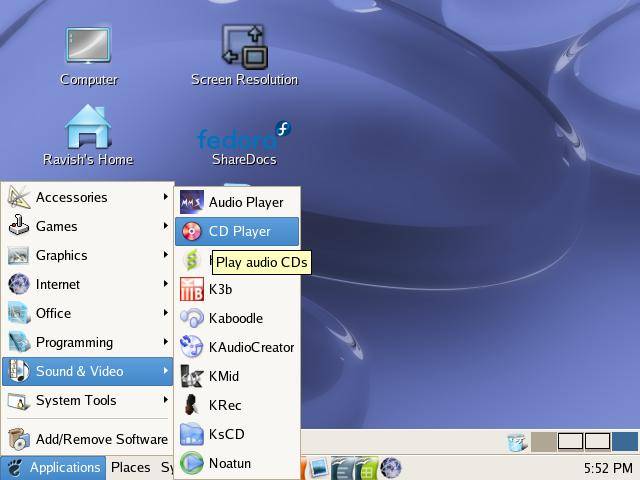
| You can play an audio CD by placing the CD into the CD-ROM drive. The CD player application will be run automatically to play the CD. Ensure that your speakers are turned on so that you can hear the CD! You can also manually start the CD Player application from the Main Menu: | |||
| Applications-> Sound & Video --> CD Player | |||
|
|||
|
|||
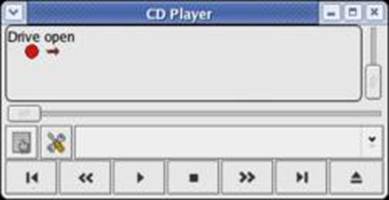
| You can control the CD Player just like a normal CD player with the buttons shown on the CD Player screen. These include volume control, track forward/backward, play/pause, stop, eject as well as jumping to any track on the CD directly. | |||
|
|||