 |
 |
 |
| Getting Started With Linux | |||
| Creating a new Folder | |||
| Folder on Desktop | |||
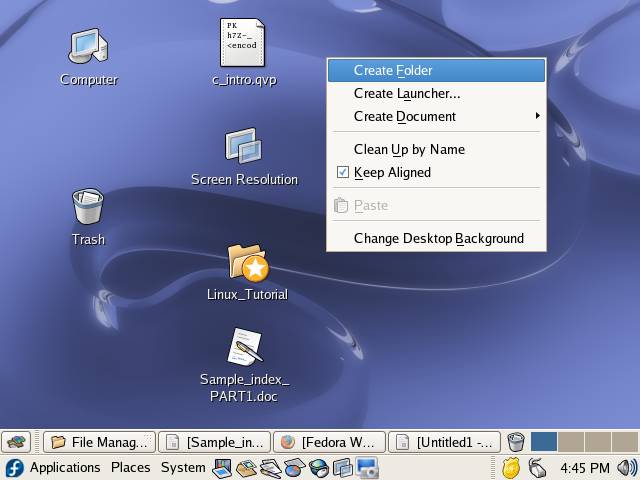
| To create a Folder on Desktop follow these: | |||
| 1. Right Click anywhere on the desktop and select Create Folder option from the desktop menu. | |||
|
|||
|
|||
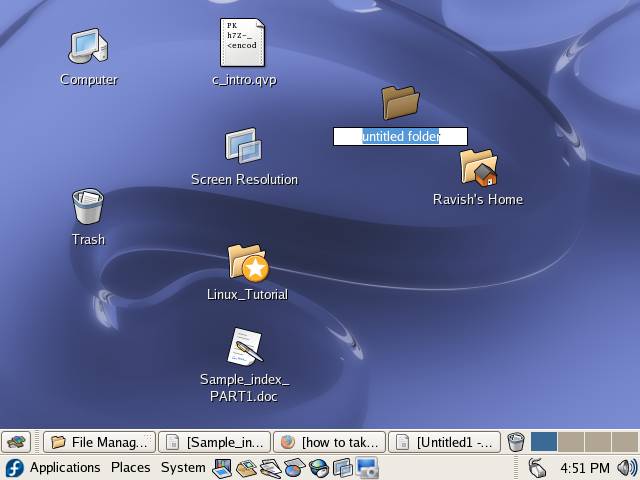
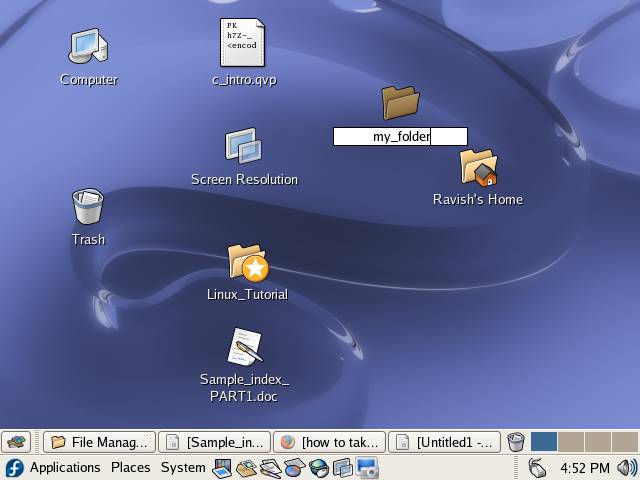
| 2. Type the desired name for folder and press Enter to create the folder | |||
|
|||
|
|||
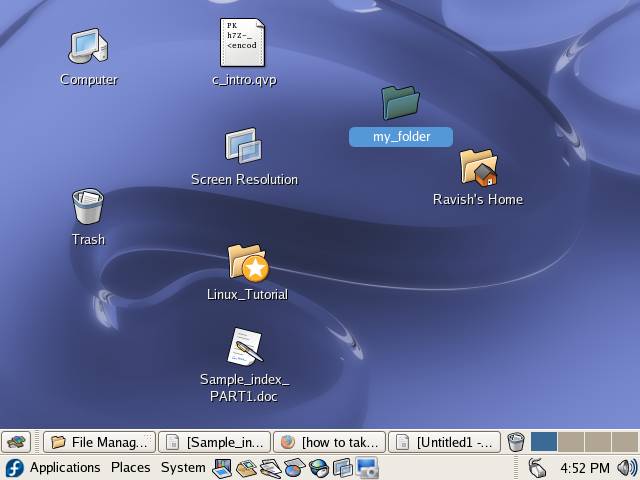
| 3. Your folder has been created. | |||
| You can follow these steps to create a folder anywhere. | |||
|
|||