| Illustrator Fundamentals |
| |
| Duplicating objects |
| |
| Duplicate objects by dragging |
| |
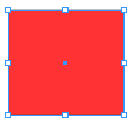
| 1. Select one or more objects. |
| |
 |
| |
| 2. Select the Selection, Direct Selection, or Group Selection. |
| |
| 3. Alt drag (Windows) or Option drag (Mac OS) the selection (but not a handle on the bounding box). |
| |
 |
| |
 |
| |
| Duplicate objects by using the Layers panel |
| |
| You can quickly duplicate objects, groups, and entire layers by using the Layers panel. |
| |
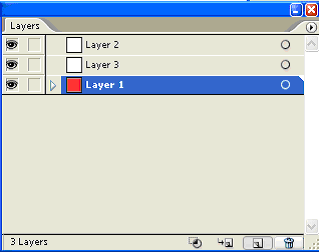
| 1. Select the items you want to duplicate in the Layers panel. |
| |
| 2. Drag the item in the Layers panel to the New Layer button at the bottom of the panel. |
| |
 |
| |
| |
|
| |


