 |
 |
 |
| Introduction to C | |||
| How to open C program code window | |||
| Before opening C on your computer. Please ensure that C compiler has been loaded or not. If not then please load it first and then try any of the following ways to open C which suit your computer setting. | |||
| 1.Start>>Program >> Turbo c. | |||
| 2. If turbo C icon is present on your computer desktop then simply click on it. | |||
| 3. My computer >>c:\>> tc (folder)>> bin (folder) >> tc.exe (icon). | |||
| 4. Or make sure the path where you have loaded the C on your computer and try to run it from there. | |||
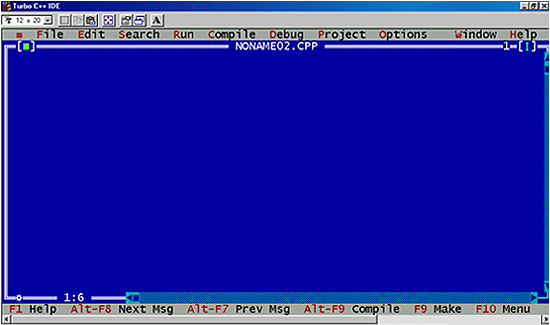
| After following the above instructions the screen which is given below will appear on your desktop: | |||
|
|||
|
|||