 |
 |
 |
| Introduction To Access | |||
| Â | |||
| Creating New, and Opening Existing Databases | |||
| Â | |||
|
|||
| Â | |||
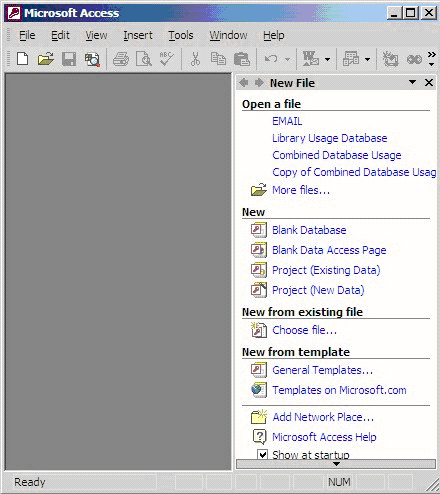
| The above picture gives you the option to: | |||
| 1. Create a New Database from scratch | |||
| 2. Use the wizard to create a New Database | |||
| 3. Open an existing database | |||
| Â | |||
| The white box gives you the most recent databases you have used. If you do not see the one you had created, choose the More Files option and hit OK. Otherwise choose the database you had previously used and click OK. | |||
| Â | |||
| Â | |||
|
|||
| Â | |||
| Â |