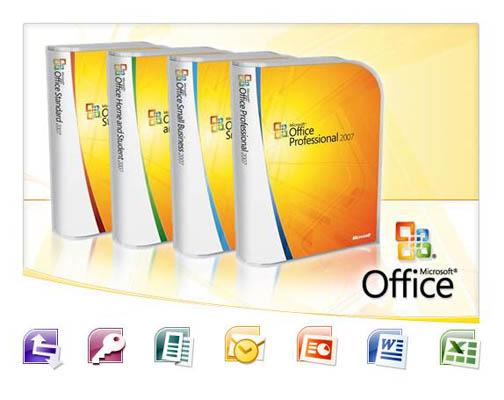
Know the MS Word-2007?
 
How to Install Word 2007?
 
You can follow these steps for Installing Microsoft Office - 2007:
 
1. Remove the shrink-cover and open the packaging.
 
2. Insert the disk into your computer CD-ROM.
 
3. Wait for the setup wizard to appear.
 
4. Enter your product key.
 
This product key is located in your Microsoft office box. It should be in the format 12345-ABCDE-12345-ABCDE-12345, where all the 12345's and ABCDE's represent random numbers and letters. You only need to type in the numbers and letters, not the dashes: the program inserts them for you automatically.
 

MS Word 20075. Read the license terms.

6. Check the box "I accept the terms of this agreement" and click the Continue button.

7. Choose an installation option, Upgrade (removes Office 2003) or Customize (keeps Office 2003 installed and adds Office 2007, allowing you to use them both).

8. Now click Install now. It takes approximate half an hour for complete installation.

9. When it's done, click Close. Then restart your computer. This will allow it to clean up any mess it's made.