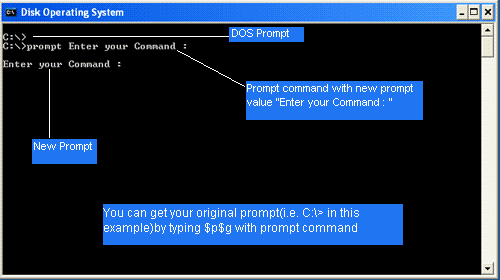
| We can set or change the standard system prompt to display the name of the directory or subdirectory we are currently working in. |
| Directions: |
| 1. Type: prompt $p $g and press Enter. |
| 2. The DOS prompt tells us that we are working in the C directory (drive) and in the Info subdirectory. |
| 3. Type: dir and press Enter. |
| 4. The single dot stands for the current directory. The double dots stand for the parent directory (root). The dots are often referred to as place markers. |
 |
 |
 |